Practical AI training, custom workflows and ongoing support. Build useful tools, equip your team and keep improving.
Volcano Limited · Hong Kong. Part of Volckano’s international AI business.
Choose a starting point. We can join at the stage you need.

Hands-on workshops for managers and teams. Learn useful AI tools, practise with approved examples and apply them to everyday work.
Plan a team workshop →
Deployment planning, workflow maintenance and reliability reviews. Keep AI tools useful as your business changes, with support agreed for your project.
Discuss ongoing support →
Turn scattered business data into clear reports. Connect inventory movements, stock reconciliation, financial reporting and sales trends.
Explore data analysis →
Prepare product renders, animation and content for different markets. Keep brand language consistent and approve sample frames before production.
Explore 3D product visualization →
Interactive screens for retail and exhibitions. Vision systems that check work against your procedures, with data handling defined for the setting.
Discuss a vision project →
Connect documents, customer records and business tools. Automate repeatable steps, with defined permissions and team approval for important actions.
Explore AI workflows →One clear need. A focused pilot. Support for what comes next.
Define the task, review your data and agree on a useful result.
Try the workflow, review the results and help your team use it.
Agree on handover, ongoing support and the next improvements.
See the tools. Find the fit. Request a demonstration.
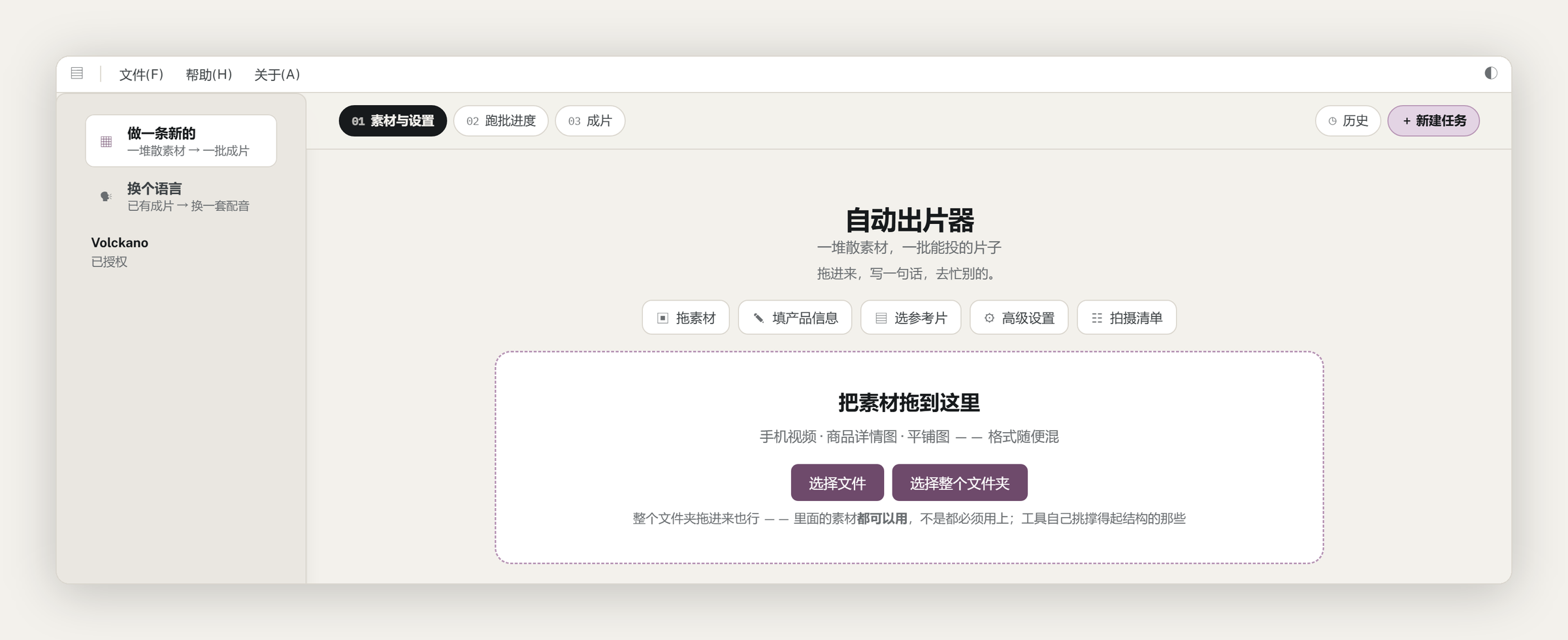
Turn your clips and product photos into finished ads with scripts, voiceover and captions. Model-assisted features use configured online services.
Confirm data handling before using confidential material.
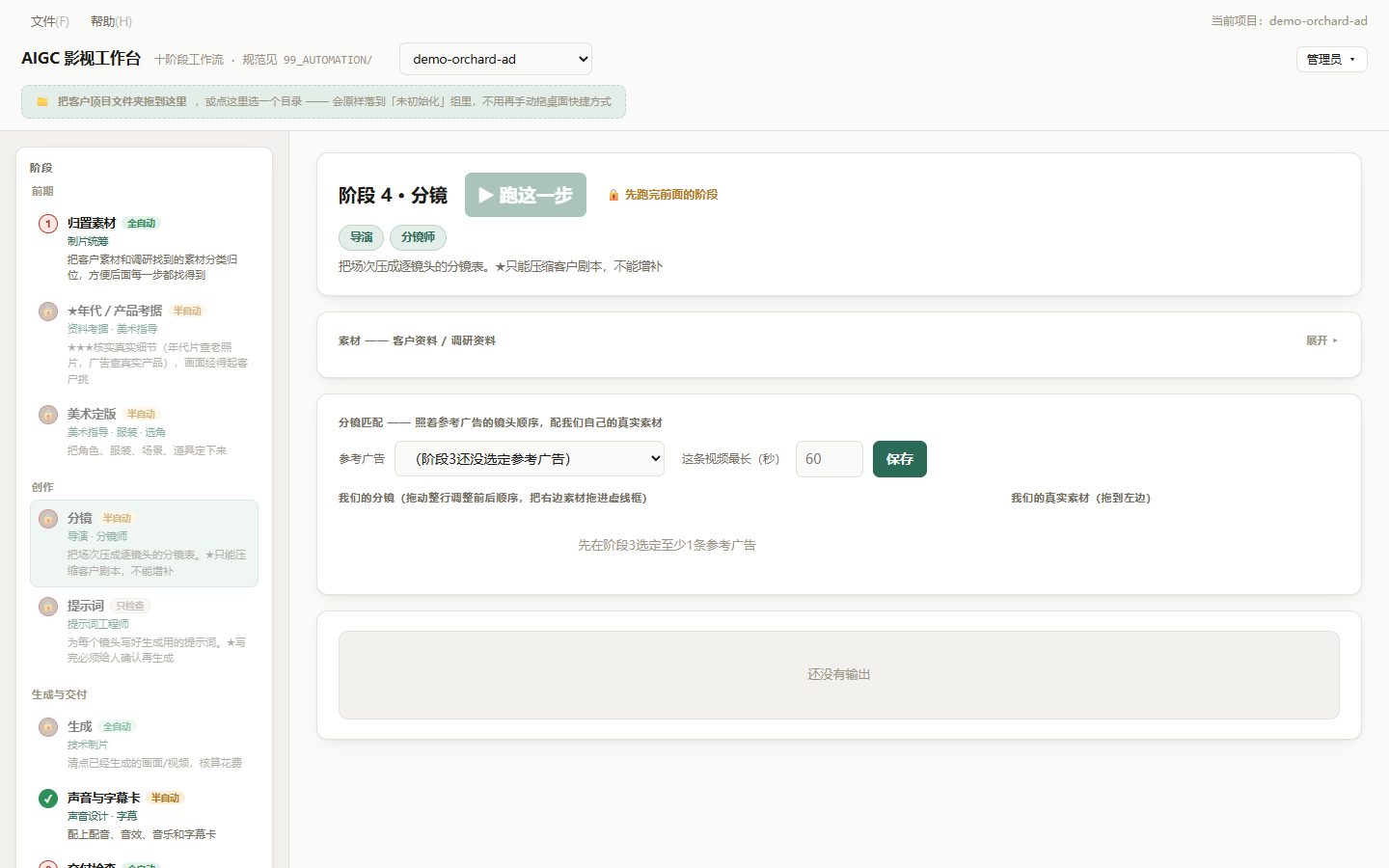
Plan scripts, characters, storyboards and sound in one staged production workflow. Review each stage before moving forward.
See details →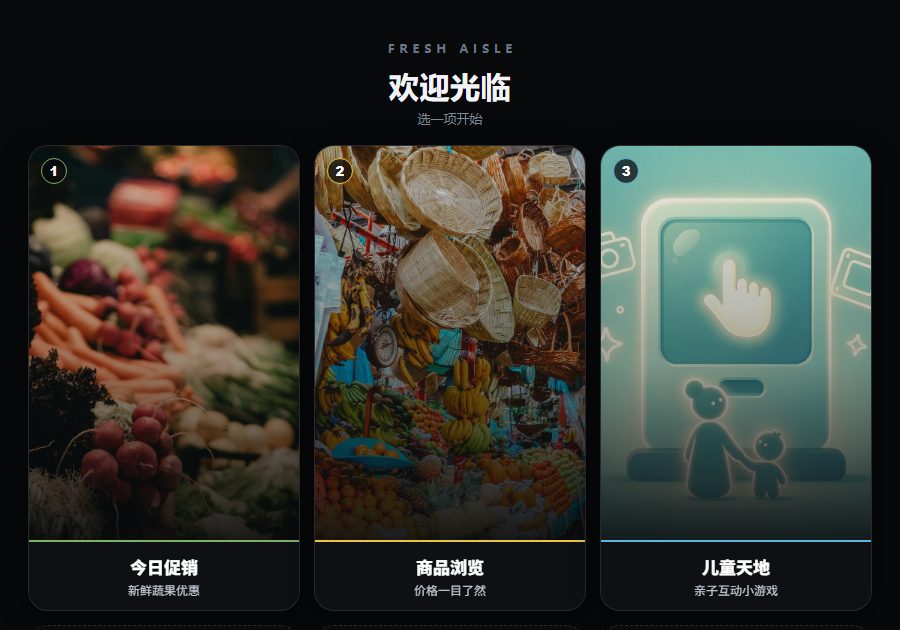
Product browsing, promotions and interactive experiences on one screen. Update content across your stores from a central workflow.
See details →
Ten touch-and-gesture exhibits on one portrait screen: sensing ad display, mini-games, AI posture scoring, particle effects, ink landscape, video wall and a tile showroom. Licensed per device.
Book a demo →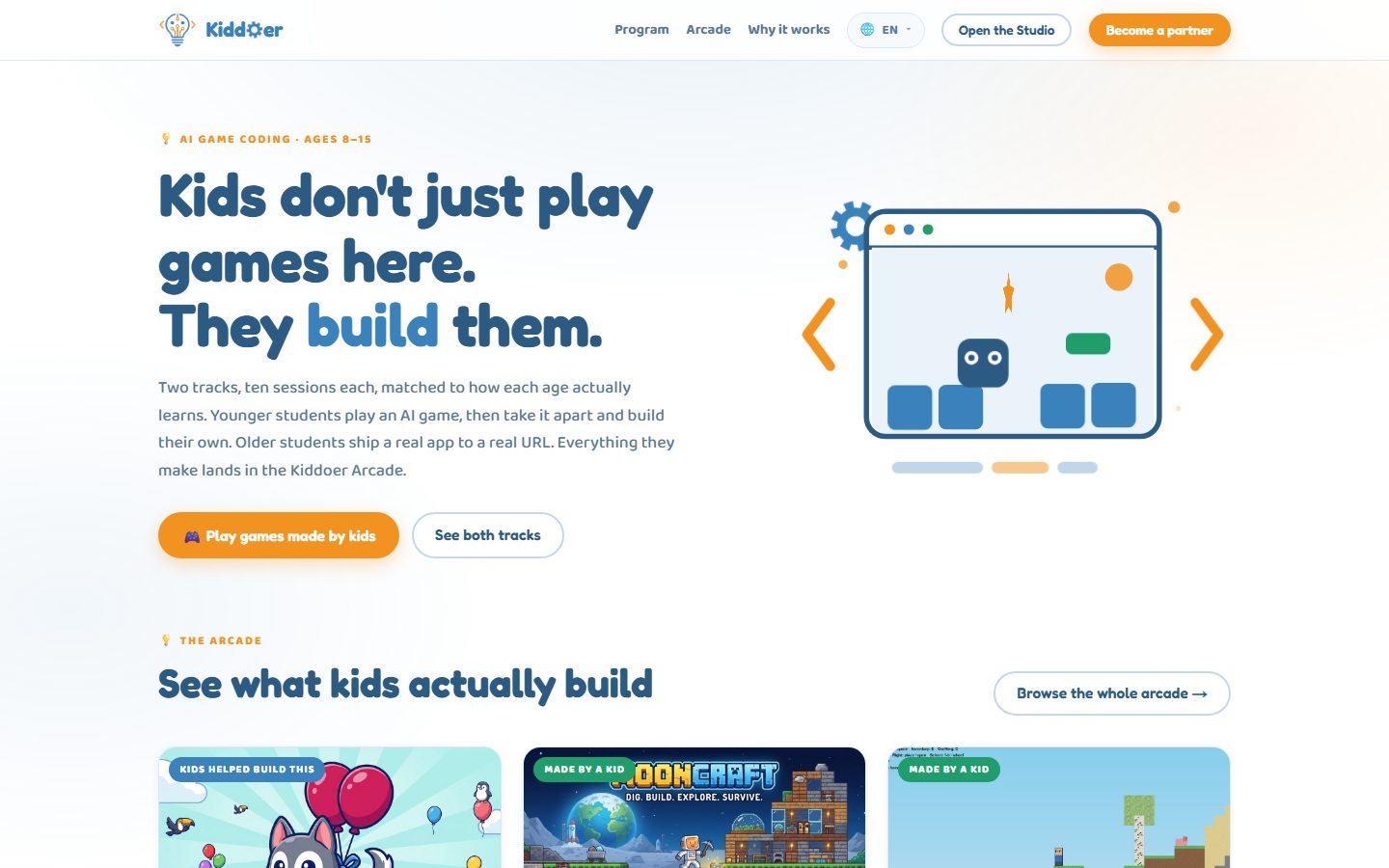
For ages 8–15: start with a working game, then build and change it with an AI coding assistant.
Visit kiddoer.com →
Match your catalog to buyer data and prepare relevant outreach drafts. Your team selects the contacts and approves what to send.
Workflow illustrationSee details →Bring one recurring task and a sample. Agree on the result, test a focused workflow and decide what comes next.
Workflow illustrationDiscuss a pilot →Windows 10 or 11, 64-bit. Install it, open it, and request activation from the first screen. Contact us to confirm activation and support availability.
One licence code, one computer. Everything below follows from that.
Open the software and fill in the short form on the first screen: company, contact, phone. Once we enable it, press 我已获批 and you are in. Nothing to copy by hand.
Release the old machine inside the app first. If it will not boot, write to michael.cheng@volckano.com and we will release it for you.
Confirm the computer, network access and permitted data flows before rollout. Ask us about activation and model-service requirements for your environment.